Problem, approach, outcome
01Problem
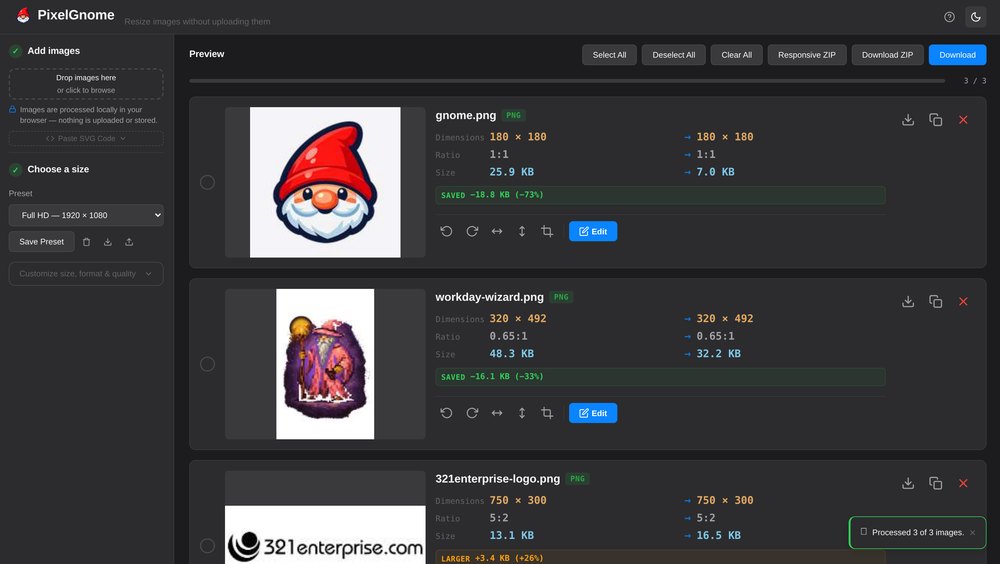
Most free image and PDF tools work by uploading your files to someone else’s server. That’s a poor fit for client photos, contracts and drafts, and it’s slower than it needs to be: a modern browser can do this work itself. The hard part is making a local tool feel as easy as the online ones — one place to drop files, clear choices, and results you can trust.
02Approach
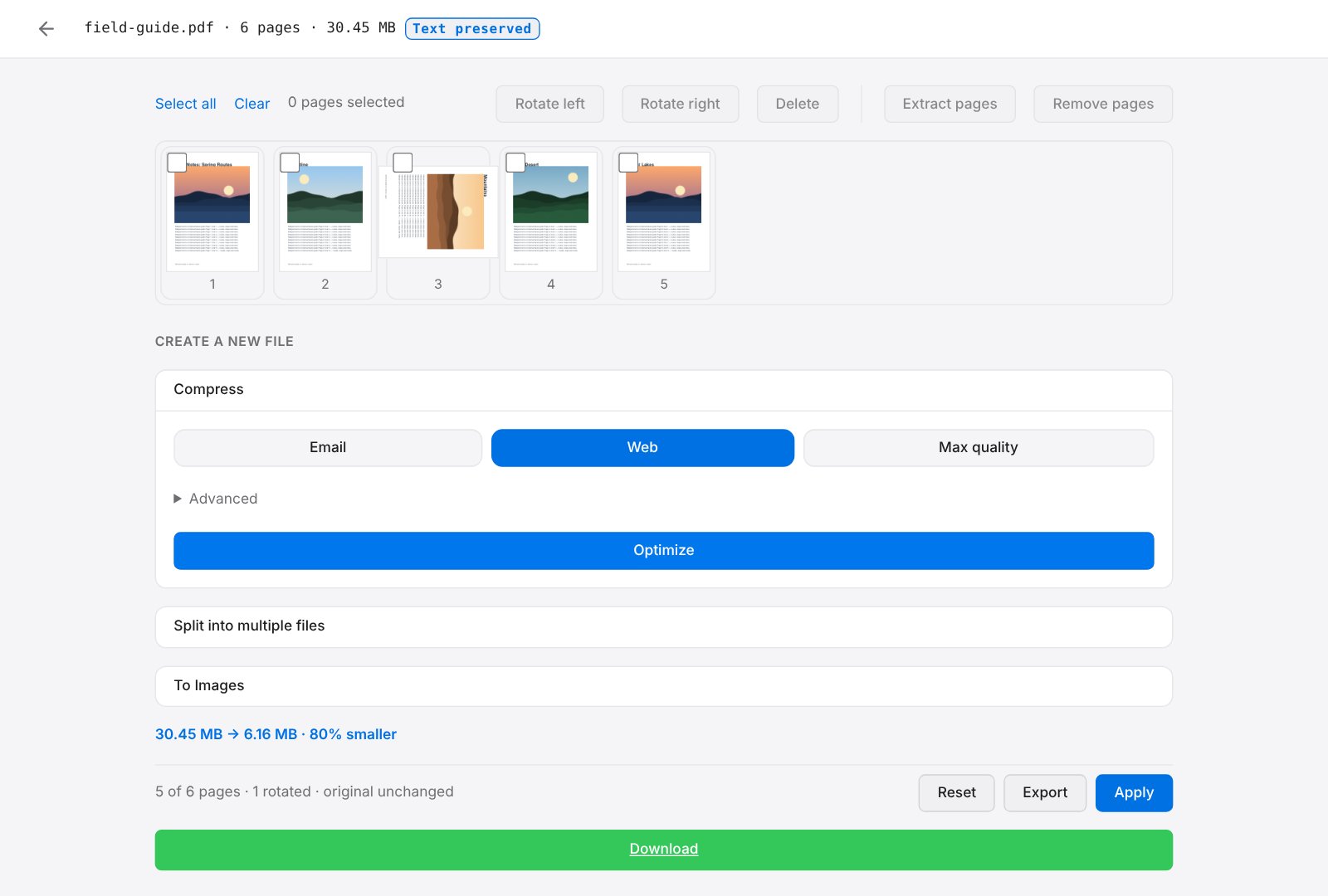
Everything runs client-side. Images are processed with the Canvas API in a background worker, with HEIC, SVG and animated GIF handled on the way in. PDFs run on MuPDF compiled to WebAssembly, loaded only when a PDF arrives and kept in its own worker so the page stays responsive. PDF compression recompresses the embedded images while keeping text selectable and transparency intact.
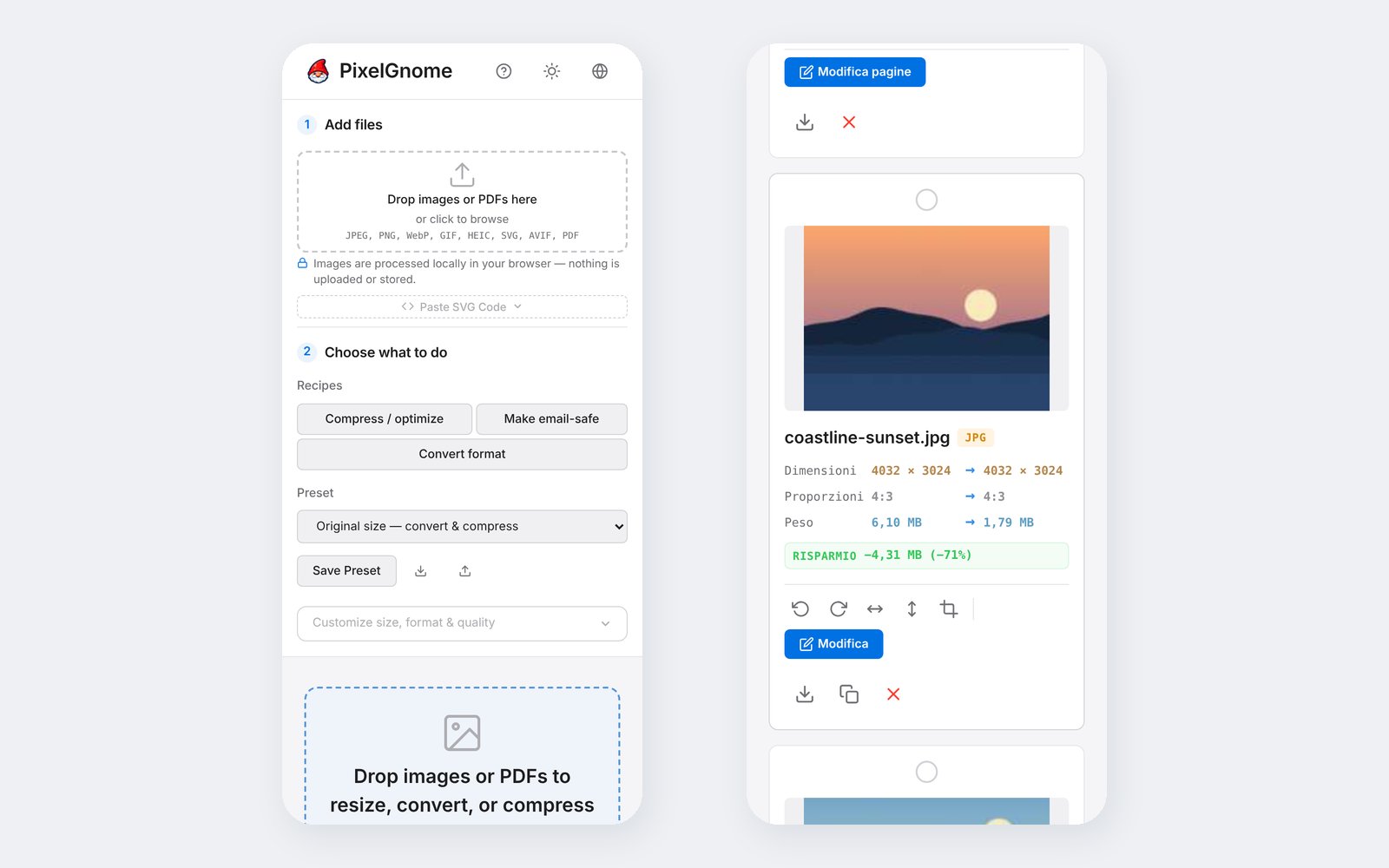
The bigger decision came mid-build. Once PDFs could be compressed, split and reordered, they felt bolted on: a separate tool inside the tool. So I reframed the product around the task instead of the file type. A PDF now lands in the same workspace as an image and opens in the same kind of full-screen editor; task recipes (Compress, Make email-safe, Convert format) sit at the top of the workflow; and a mixed selection of images and PDFs can be downloaded, zipped or combined into one PDF.
Every release has to pass linting, both production builds, and a contract test that runs each PDF operation against the real engine, so a library update that breaks saving fails the build instead of reaching the site.
03Outcome
PixelGnome is part of my own workflow now: it’s what I use to prepare images for the client sites I build. The source is public on GitHub under AGPL-3.0, so the privacy claim can be checked rather than taken on trust.