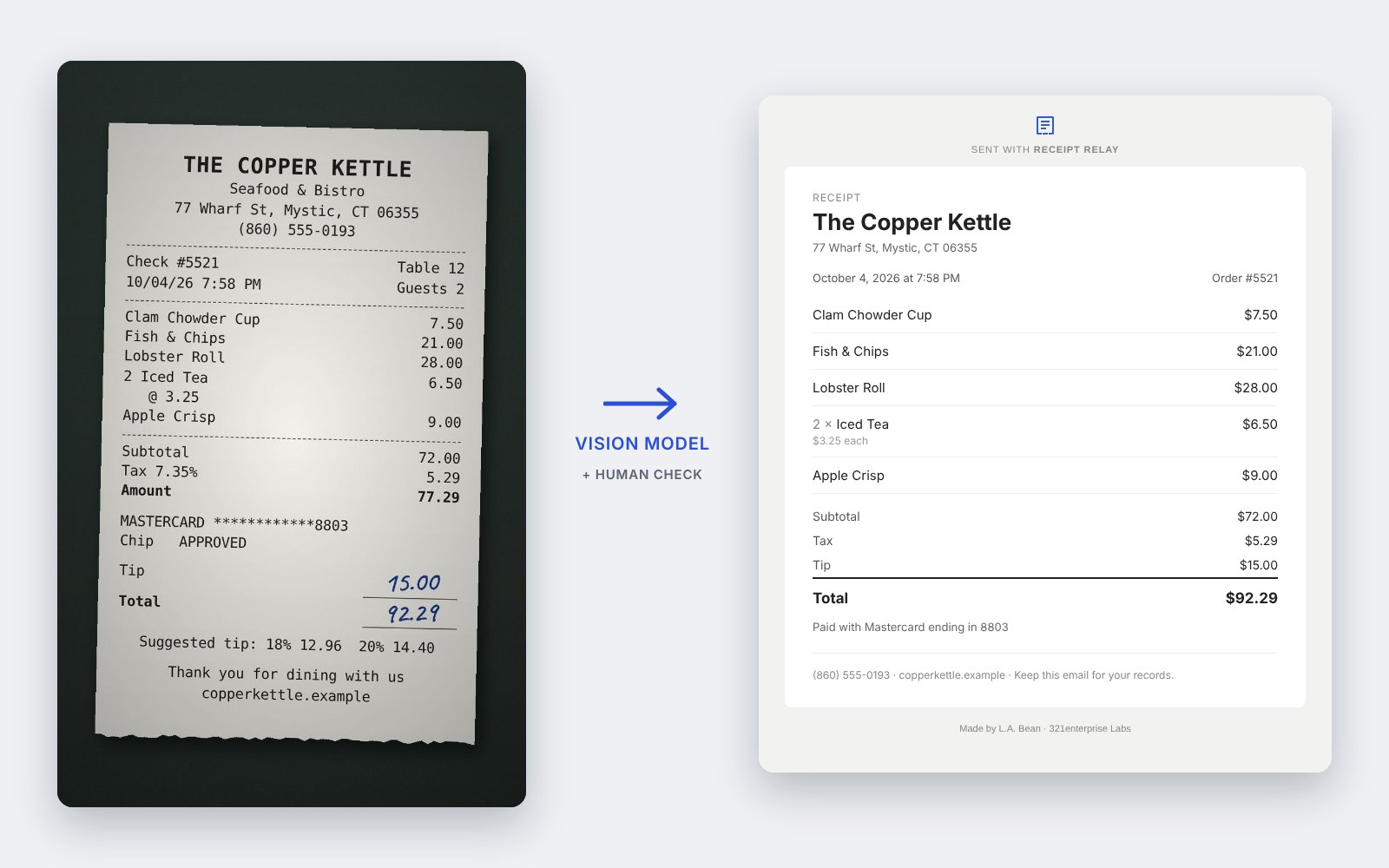
Before launch I measured the candidates instead of picking one by reputation. Fourteen real phone photos: faded thermal paper, an angled shot, two taken sideways, Italian receipts with VAT, a 29-line grocery run, a concert ticket, a gift voucher, and a business card that isn’t a receipt at all. Each one has an answer key (Claude drafted them from the photos; I checked every line against the paper), and every model was scored on the same things: line items to the cent, the total, the date, the merchant, and the kind of document.
Every model got the setup production uses: the same prompt and JSON schema, the same 2-megapixel image the browser uploads, and the same 50-second limit a visitor gets. All calls went through OpenRouter to zero-data-retention hosts only. Alongside the two open Qwen models I ran three closed frontier models, to see how close the open one gets.
Line items are scored as F1: an item counts only if its price is right to the cent and its name matches. The 30B row is from the first pass the same day; it was dropped there, so it wasn’t re-run with the final prompt. Sonnet’s one missed total is a free ticket it left blank instead of $0.00.
The closed models are better. All three got every merchant right, and the only line item any of them missed was on the concert ticket, where every model in the final run wrote something other than the printed “GENERAL ADMISSN”, mostly the name of the tour (I scored that strictly). The open Qwen3-VL 235B read 95% of line items and every total, at a seventh to a thirteenth of the cost per receipt. The smaller 30B was never close: it ran out of time on every long receipt, and some still failed when I lifted the limit to two minutes.
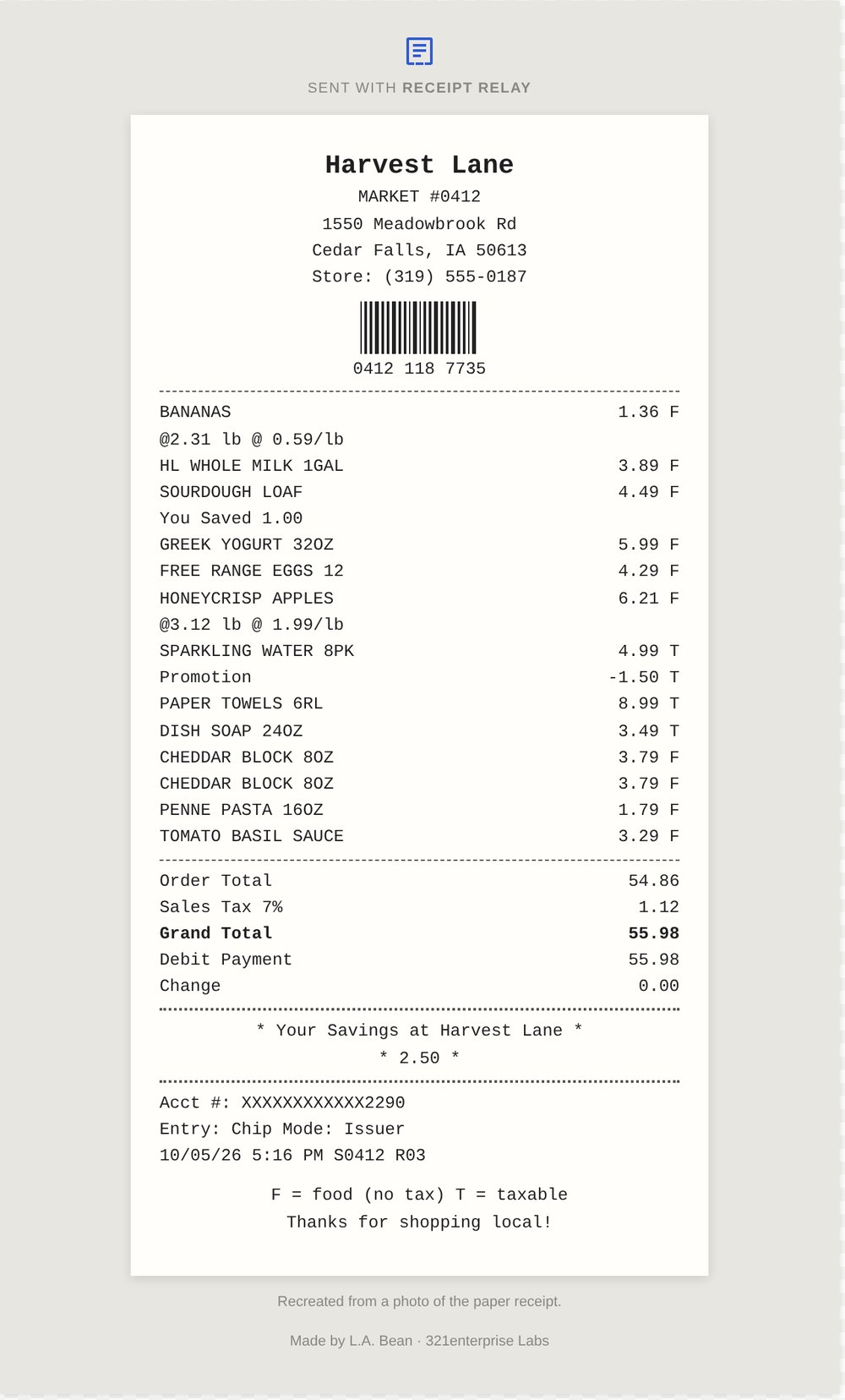
Where the 235B goes wrong. It read a scratched $4.38 as $4.36 on a McDonald’s receipt, and $2.99 as $2.29 on a Publix receipt photographed sideways. The same photo turned upright read perfectly, which is why the upload screen has a rotate button. On a long Italian grocery receipt it named one item after the loyalty-card line printed beside it. And three times it picked the wrong name for the merchant: a promotional headline on an Autogrill receipt, the card processor on a restaurant receipt, and the concert promoter on the ticket.
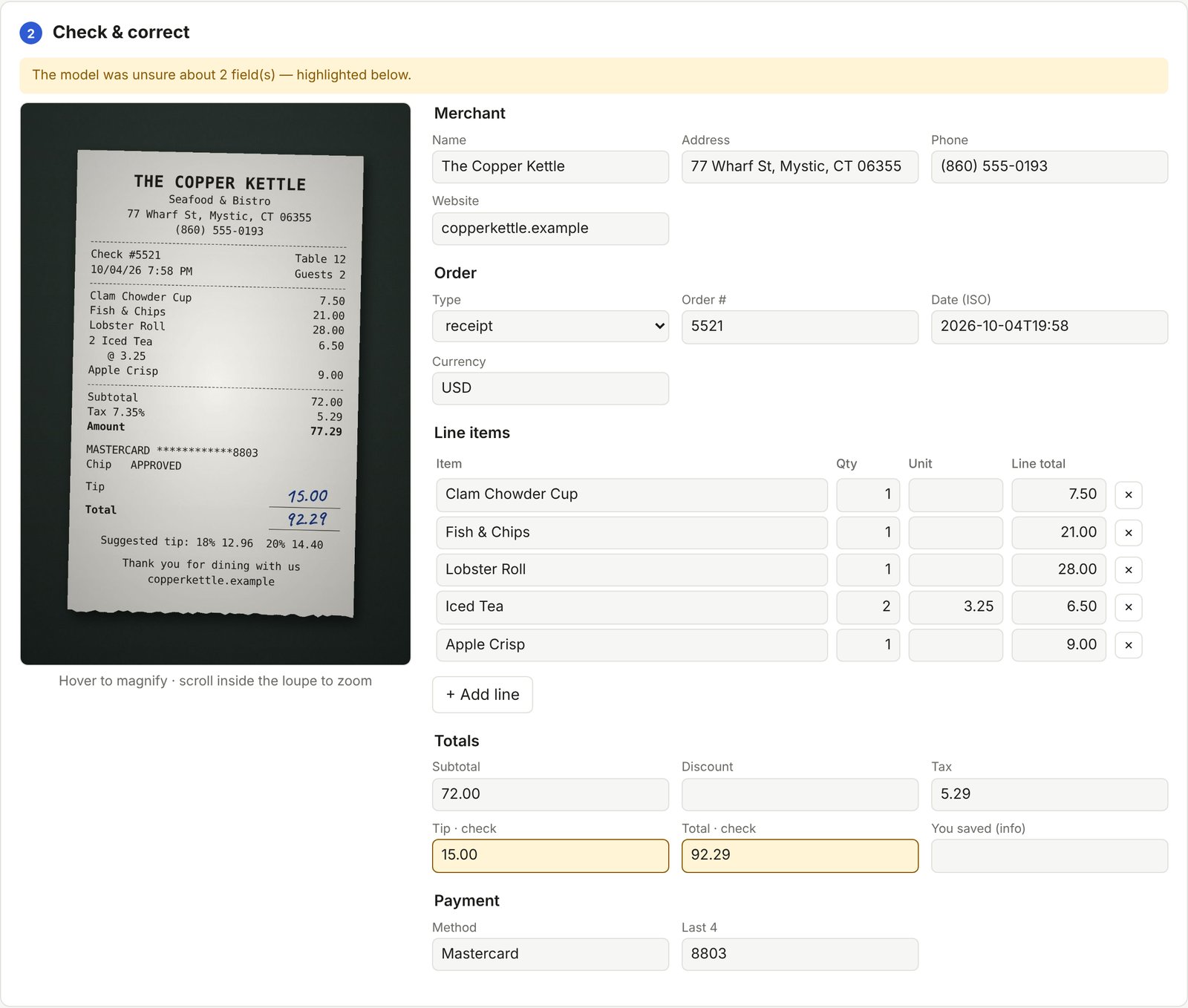
A stronger prompt made it worse. My first fix for the merchant names was a stricter rule in the prompt. I ran it three times against the original: it didn’t fix a single merchant, and on the Publix receipt it started listing “You Saved” as a purchased item, every time. So the rule came out and the fix moved into code: after extraction, a deterministic check recognises card processors, payment brands and ticket promoters, and flags the merchant name for a person to confirm. A prompt change touches every receipt; a check in code touches only the cases it names.
Why production still runs the open model. Receipt Relay is a free tool and every read is paid for, so a model that costs a fraction as much matters. More to the point, the design already assumes the model will sometimes be wrong: a misread price leaves the items short of the printed total, which the arithmetic check flags; an uncertain field is marked; and a person confirms everything before the email renders. The 235B’s misses are the kind that design exists to catch. If this were reading invoices for a business with no one checking, I’d pay for a closed model. Because the model is one line of configuration, switching would be a config edit, re-scored against the same fourteen answer keys.