Tool · Web app · SEO & AEO

Site Checker

SEO & AEO readiness checker · Live tool

Production

Open sitecheck.321enterprise.com (opens in new tab) All projects

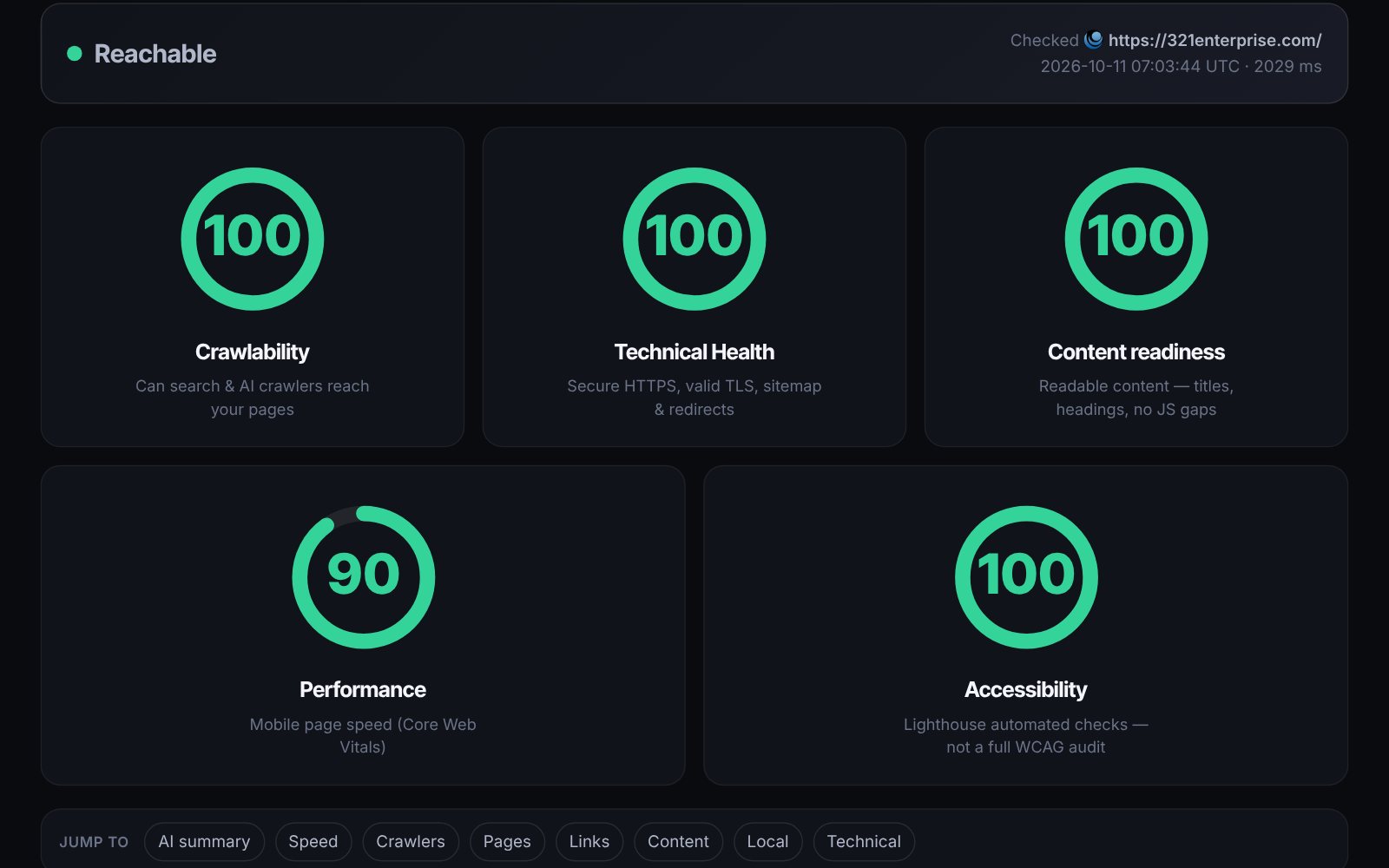
Site Checker deep-scan report for 321enterprise.com: a Reachable status bar and five score rings — Crawlability 100, Technical Health 100, Content readiness 100, Performance 90 and Accessibility 100 — above a jump-to bar of report sections
01The story

Problem, approach, outcome

My clients are mostly local businesses, and in 2026 their question changed. They still asked about Google, but they also asked whether ChatGPT or Perplexity could find them, and what those assistants would say if someone asked. The SEO tools I had answered a different question: rankings and backlinks, behind a subscription. None of them told me whether GPTBot was blocked in robots.txt, whether a page’s text only existed after JavaScript ran, or whether a business’s name, address and phone number were readable at all. I was checking those things by hand, one site at a time.

Measure what the crawlers actually see. Each check sends real requests with each crawler’s own user agent, in parallel, and reads the raw HTML they get back, then compares it with what a browser gets so cloaking and JavaScript-only content show up. The robots.txt rules, the structured data, the sitemap, HTTPS and the security headers are all read from the live site, not inferred.

The harder work was judgement. A tool that cries wolf gets ignored, so I reviewed every heuristic for false alarms. Blocking an AI training crawler is often a deliberate choice, so it’s reported as information, not an error. A concise page isn’t a JavaScript problem. A redirect counts as reachable, and a link that times out, or a social network refusing a robot, isn’t called broken. Many of those rules came from scanning real client sites and finding the tool confidently wrong; each one became a ticket and a fix.

It’s plain PHP with no framework, running on the same shared hosting as this site, with a strict Content Security Policy and nothing stored about the visitor beyond the report itself.

Site Checker is where my SEO and AEO work starts. I run it on client and prospect sites before proposing anything, and its report is the checklist we work through. I ran it on my own sites first: it found 321enterprise.com with no HTTP-to-HTTPS redirect, no security headers and alt text on only half its images. All three are fixed, and it now scores 100 for crawlability, technical health and content readiness. Visitors who run a check can leave their email from the report, and some have. And building it taught me more about how AI crawlers and site health work than any article did.
02Overview

About Site Checker

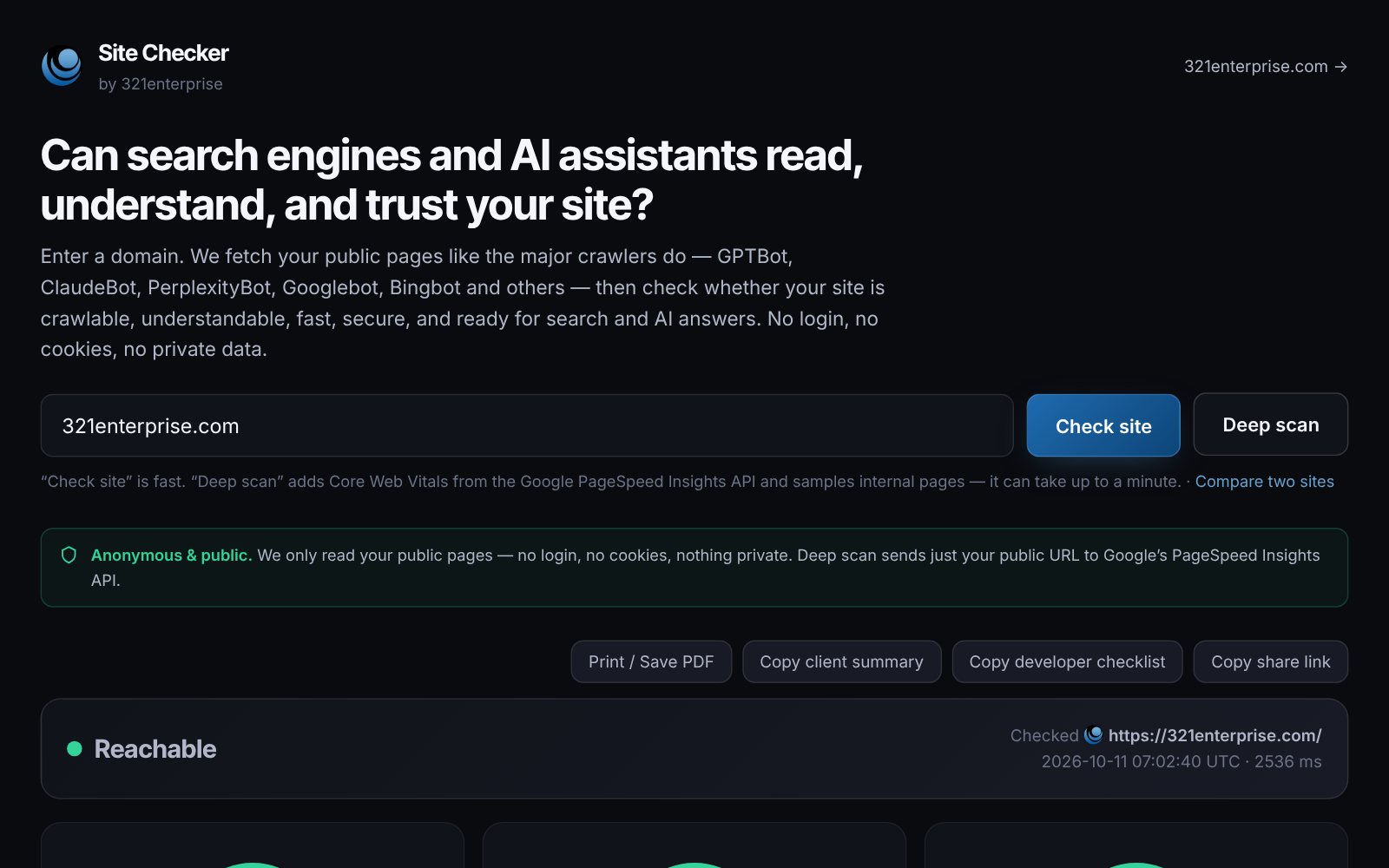
Site Checker is a free readiness check for search engines and AI assistants. Give it a domain and it fetches the site the way sixteen real crawlers do, reads what they would read, and returns a report: scores for crawlability, technical health and content, an AI-readable summary of the business, and a list of fixes sorted by how much they matter. A deep scan adds internal pages, link health and Core Web Vitals from Google PageSpeed.

It is deliberately bounded. Everything it reports can be measured by fetching public pages, so it says nothing about rankings, search volume or backlinks — those need paid data, and a guess dressed up as a score would be worse than no answer. It runs anonymously, with no login and no cookies, and every report gets a permalink that can be shared, printed or copied as a client summary or a developer checklist.

03Features

What it does

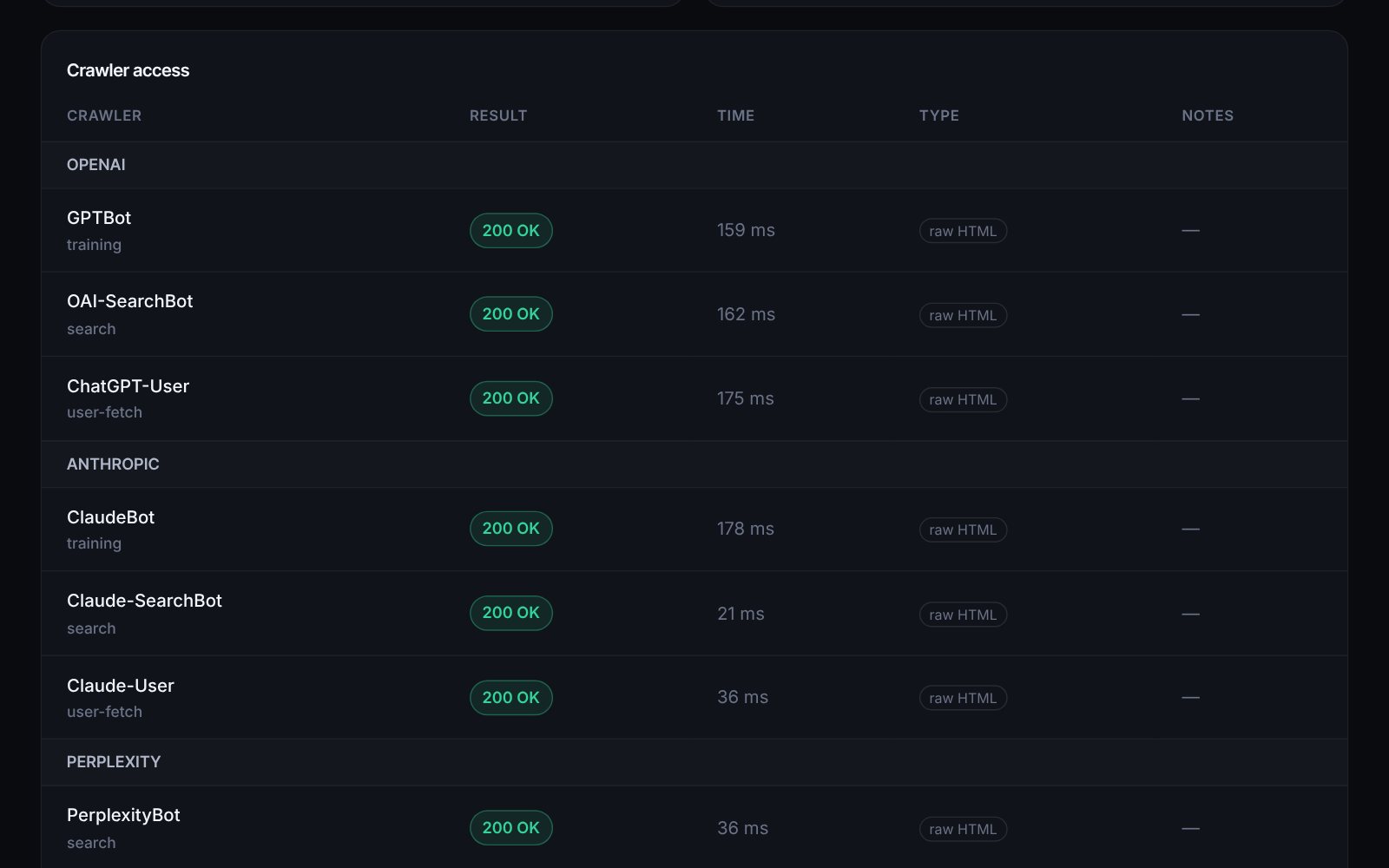
  • Sixteen search and AI crawlers fetched with their real user agents — reachable, blocked, or blocked by robots.txt, each labeled training, search or user-fetch
  • Scores for crawlability, technical health and content readiness, plus mobile performance and Lighthouse accessibility on a deep scan
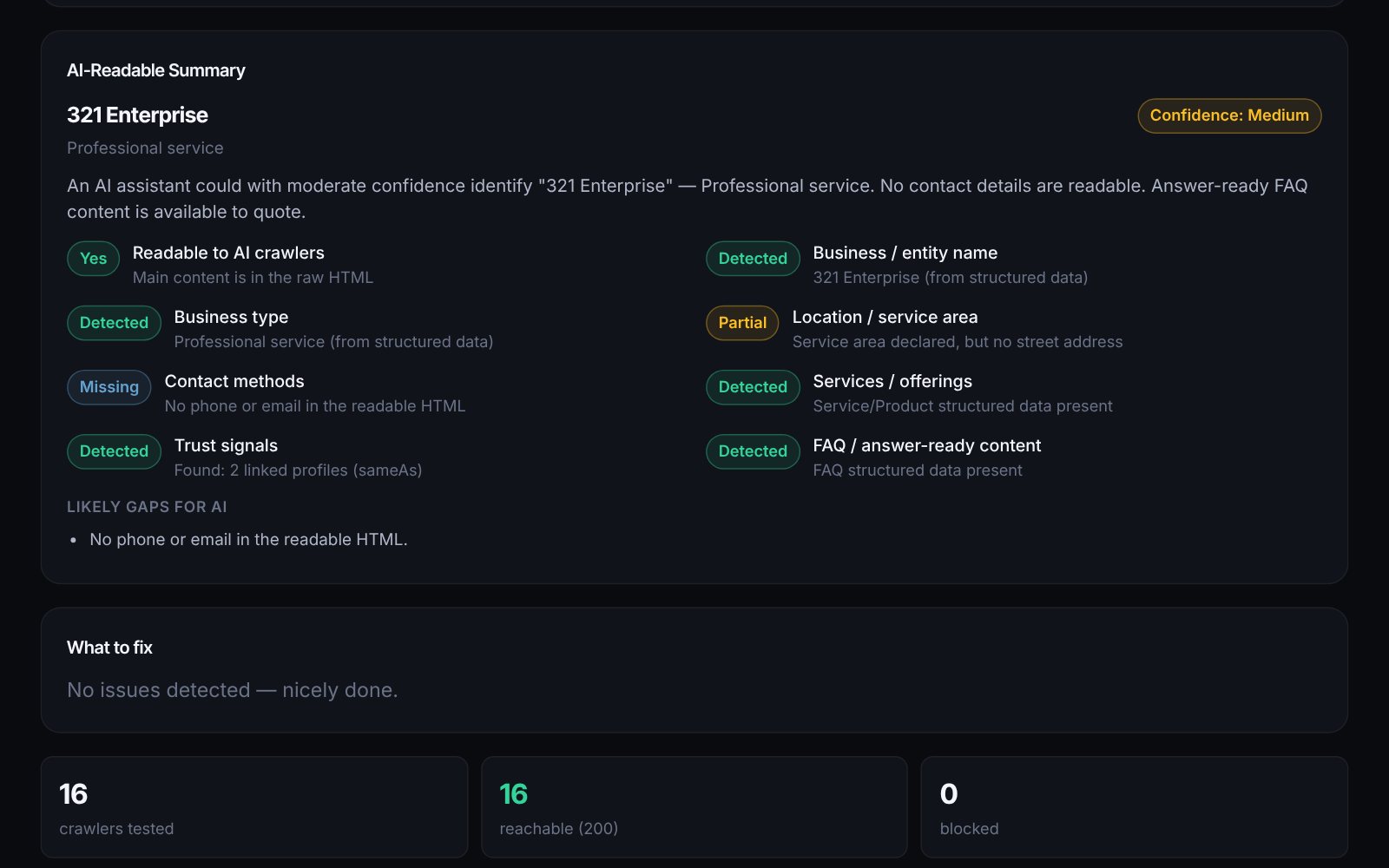
  • An AI-readable summary: the business name, type, location, contact details and services an assistant could find, with a confidence level
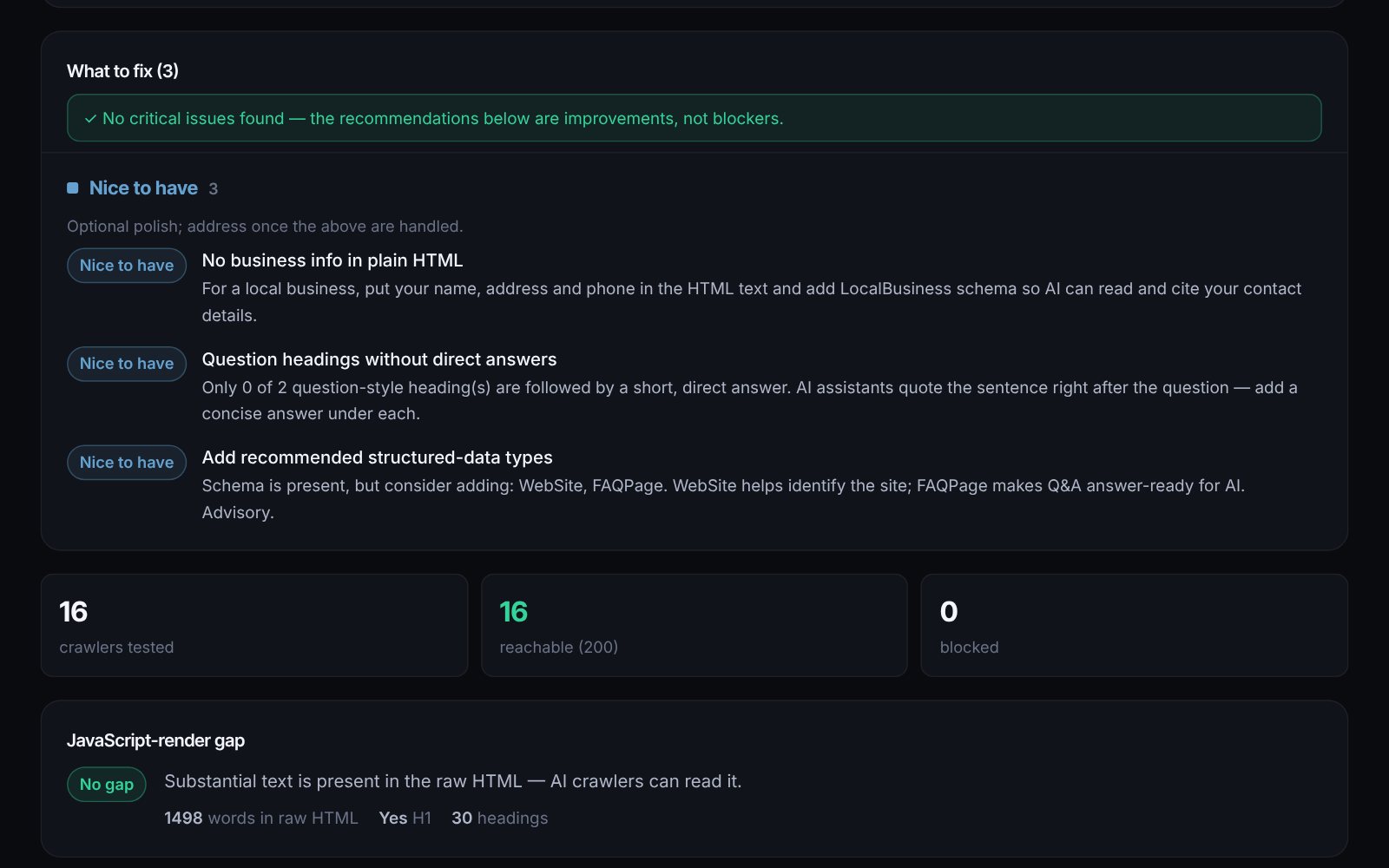
  • Fixes grouped Critical, Recommended, Nice to have and Informational, in plain English
  • JavaScript-render gap and cloaking checks: what a crawler sees versus what a browser sees
  • Metadata, structured data, headings, sitemap freshness, HTTPS, TLS, security headers and local-business signals
  • Deep scan: internal-page sampling, link health and Core Web Vitals for mobile and desktop
  • Permalinks, compare two sites, print to PDF, and copy-ready client summaries and developer checklists
  • A private dashboard with a client watchlist, weekly re-checks and email alerts
05Stack

How it’s built

  • PHP 8.4, no framework: curl_multi for parallel crawler requests, DOMDocument for parsing
  • Vanilla HTML, CSS and JavaScript under a strict Content Security Policy
  • MySQL for report history, permalinks, leads and the watchlist
  • Google PageSpeed Insights API for Core Web Vitals (deep scan only)
  • Authenticated SMTP for lead and alert email
  • Shared IONOS hosting, deployed over SFTP; git with an off-machine backup
  • Every change tracked in Linear
06Roadmap

Where it’s going

  1. Shipped

    Search and AI crawler readiness

    Sixteen crawlers, three scores and a plain-English fix list.

  2. Shipped

    Deep scan

    Internal pages, link health and Core Web Vitals from Google PageSpeed.

  3. Shipped

    Accuracy pass from real scans

    Every false finding found on a live site became a rule: timeouts, bot-blocked links and intentional AI blocks are no longer called errors.

  4. Shipped

    Monitoring and reliable email

    A client watchlist with weekly re-checks, and alerts sent over authenticated SMTP.

  5. Next

    Faster on slow hosts

    Finish within the time budget when a site responds slowly.

  6. Next

    Email the report to yourself

    Send the finished report to the visitor, not only the permalink.

  7. Exploring

    robots.txt and llms.txt builder

    A companion tool that writes the file the report says you need.

Have a problem a small, focused tool could solve?

This is the kind of work I do at 321 Enterprise. Tell me what slows your team down and we’ll see what we can build.

Start a conversation See all projects