
Problem, approach, outcome
01Problem
Email templates and websites switch to their dark theme with a CSS media query, prefers-color-scheme. Checking that the dark version works means flipping that setting, and in Chrome it lives several menus deep: open DevTools, find the Rendering panel, scroll to the media-feature emulation, pick dark, then do it all again to check light. Close DevTools and it resets. When you’re iterating on a template, that routine happens dozens of times a day.
02Approach
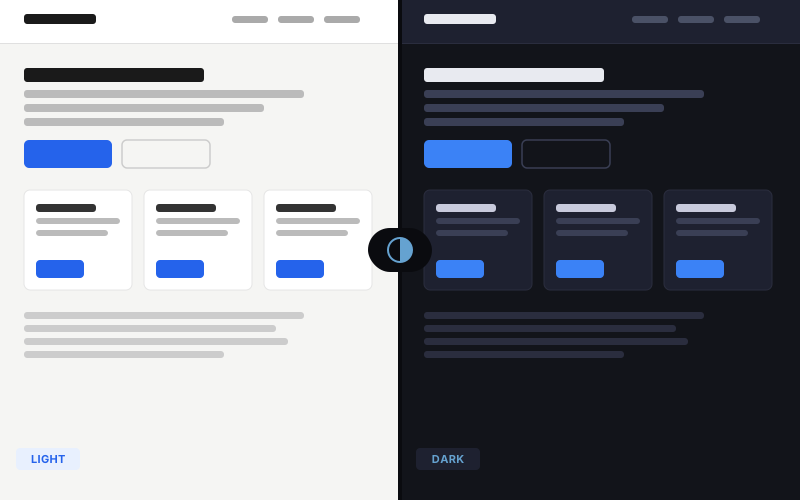
Use the same mechanism DevTools uses, without opening DevTools. The extension talks to the Chrome DevTools Protocol directly and sets the emulated color scheme for that one tab, so the result is identical to the manual route.
Every decision after that was about leaving no trace. The setting is per tab, so other tabs are untouched. Off means fully off: the debugger connection is dropped and everything the extension added to the page is removed. That matters because Chrome shows its own “started debugging” banner whenever an extension uses this API, a safety feature that can’t be hidden. The indicator bar sits in its own Shadow DOM so the page’s styles can’t break it, and it pushes the page down rather than covering the top. Pages Chrome won’t let an extension touch, like its own settings screens, get a clear error instead of a silent failure.
It’s also honest about what it tests: how your CSS responds in a browser, which is how Apple Mail and browser-based previews behave. Gmail and Outlook ignore the media query and apply their own color inversion, so Dark Prefer speeds up development without replacing real email-client testing.
03Outcome
It replaced the DevTools routine, and it’s part of my daily email QA. Whenever I touch dark-mode CSS, it’s what I reach for: one click to check dark, one to check light, one to put the tab back.