Problem, approach, outcome
01Problem
Google Docs and Google Sheets have no full dark mode. Calendar and Drive do, but the two products I spend the longest staring at are bright white, which is hard on the eyes through a long review session.
The Chrome Web Store has plenty of dark-mode extensions, but they ask to read every page you visit, and few explain what they do with that access. I didn’t want to hand that to a black box.
02Approach
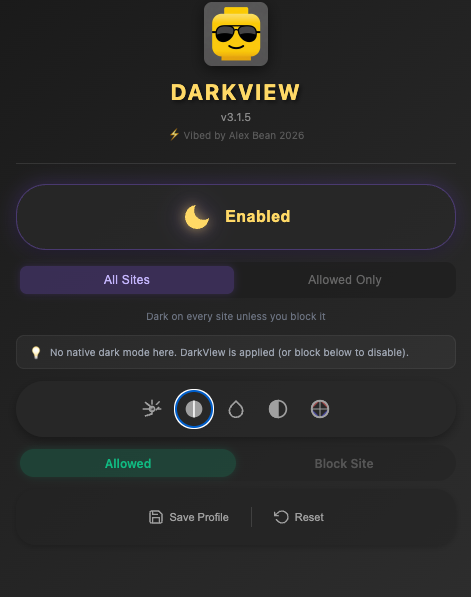
Invert the page with CSS filters, then put back what shouldn’t be inverted: images and video are flipped a second time so photos look normal. A dark background goes on before the page starts loading, so there’s no white flash.
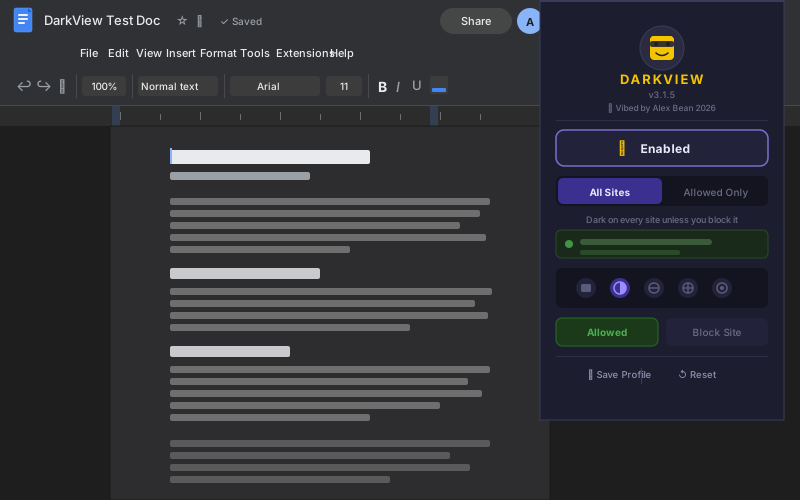
Google’s editors were the hard part. Docs draws its text on a canvas rather than as page text, so a plain inversion leaves black text on a black page. Dark View watches the editor and strips the inline black color as it appears, so the inversion can do its job. Sheets draws its grid on a canvas too, and needed the opposite fix: leaving it out of the second flip so it inverts once and stays readable.
It also knows when to stay out of the way. Before applying anything, it checks whether a site already has a real dark theme, looking both for dark-mode CSS and for a page background that is actually dark, and skips those sites instead of inverting them back to light. Google Docs only darkens its toolbar, so it fails the second test and still gets Dark View.
And it’s hardened like a product: every internal message is checked against the extension’s own ID, settings are validated and clamped before they’re saved, each tab is told only its own site’s settings, and the popup runs under a strict Content Security Policy.
03Outcome
It’s on in my browser every day, and I don’t use any third-party dark-mode extension. Google Docs and Sheets are where it matters most.